Test a module
All modules on nf-core/modules have a strict requirement of being unit tested using minimal test data. We use nf-test as our testing framework.
Each module comes already with a template for the test file in test/main.nf.test.
Replace the placeholder code in that file with your specific input, output and process.
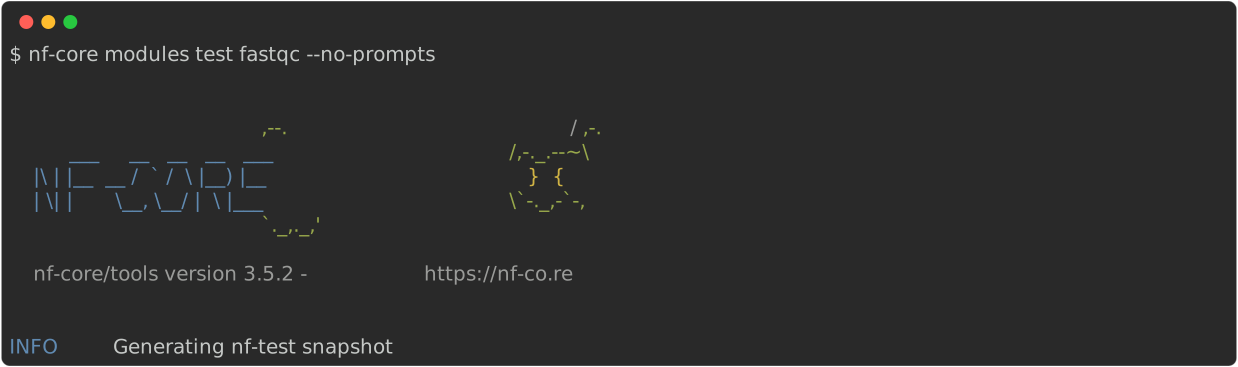
To generate the corresponding snapshot after writing your test, you can use the nf-core modules test command.
This command will run nf-test test twice to also check for snapshot stability, that is, that the same snapshot is generated on multiple runs.
You can specify the module name in the form TOOL/SUBTOOL in the command or provide it later through interactive prompts.
This command only works on nf-core/modules-like repositories, it does not work within pipelines on modified modules!
In case you changed something in the test and want to update the snapshot, run
nf-core modules test --updateIf you want to run the test only once without checking for snapshot stability, you can use the --once flag.